Back to TheWorxHub for Senior Living Main Menu
Staff/Contractors Reports
Staff Schedules
Use this report to export upcoming Staff Schedules, as far as the next 4 calendar weeks. Resident entry notes will also appear in this report. This report is particularly helpful for the Housekeeping module.


Staff Schedule Excel
Select this report when you want to see your Staff Schedules in Excel spreadsheet format. The sheet tabs at the bottom of the Excel spreadsheet allow you to view by: Time Off, Worker, and Worklist. This report is particularly helpful for the Housekeeping module.


Labor Productivity
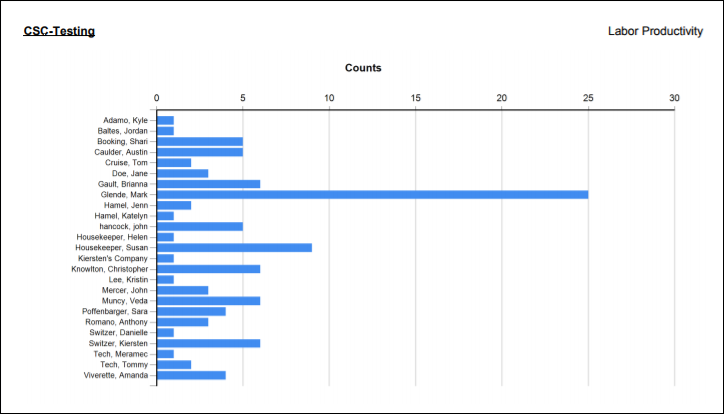
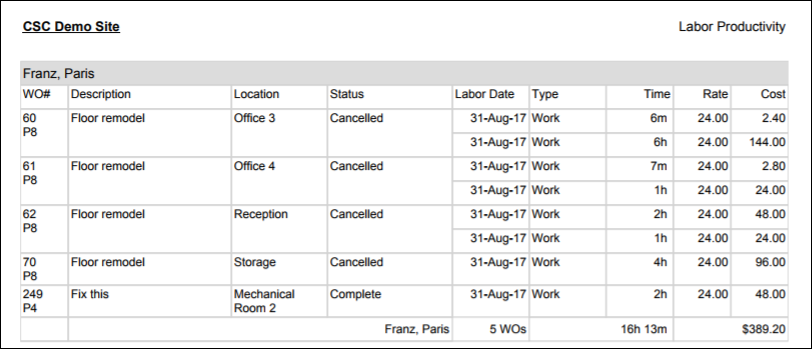
The Labor Productivity report helps measure your team's productivity. You can filter the data by entering a Labor Date Range, and include a graph or chart in the Options section. This report can tell you how much time your staff are logging, the number of work orders they complete, and the costs. This report is particularly helpful in justifying additional staff members.
Work Time Log
The Work Time Log report shows your team's logged hours, and whether they are entering it manually or with a timer. Details of this report include job start time, end time, work order number, description, location, status, and how/when time was added.

Worker Labor Export
The Worker Labor Export report populates an Excel spreadsheet of your workers and their jobs. The data includes: work order number, description, location, work category, start/completion dates, days open/ overdue, labor time, pay rates, and costs. Because it downloads as a spreadsheet, you're able to sort and filter the data to fit your needs.


Contractor Listing
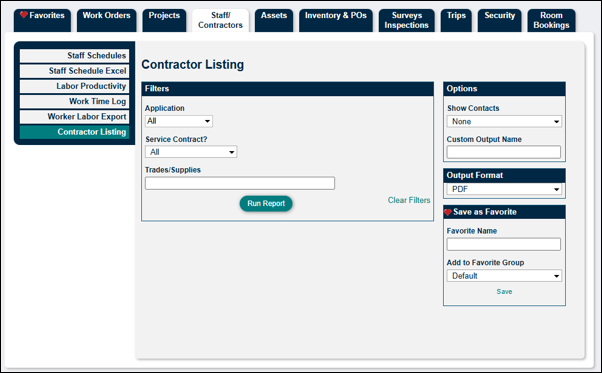
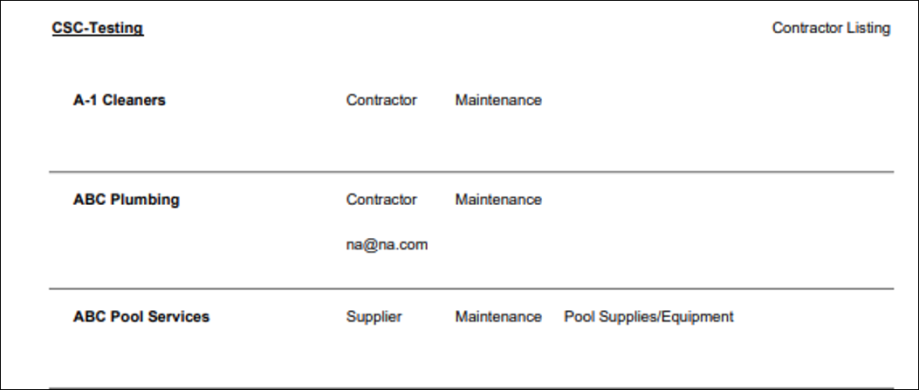
The Contractor Listing report displays a list of your contractors. You can filter by department and choose to show contacts in the Options section.